
MusWall: Music Album Wallpaper
hanksPersonalization
2.412.00 Reviews
- Version
- 1.3.4
- Installs
- 10.00K
- Age Rating
- Everyone
Screenshots
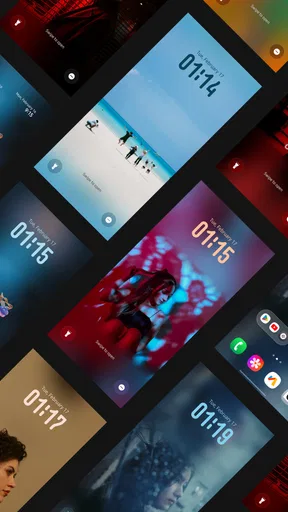
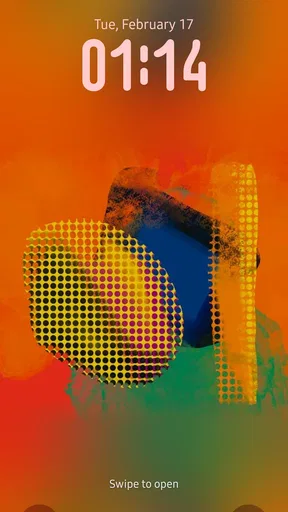
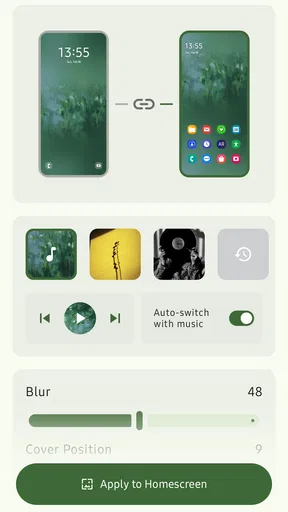
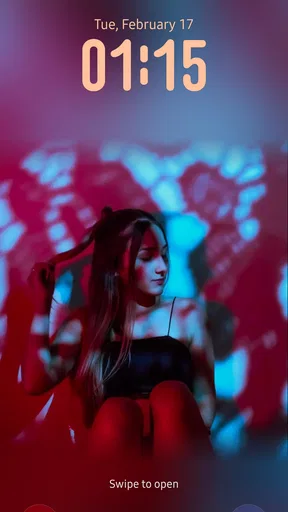
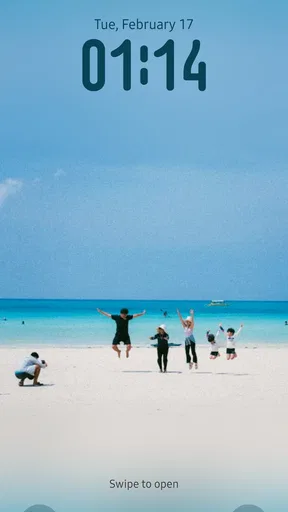
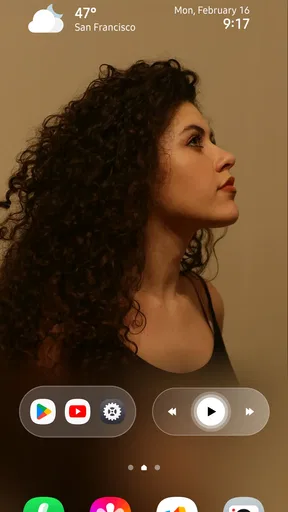
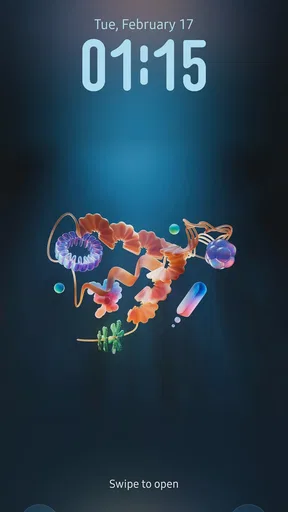
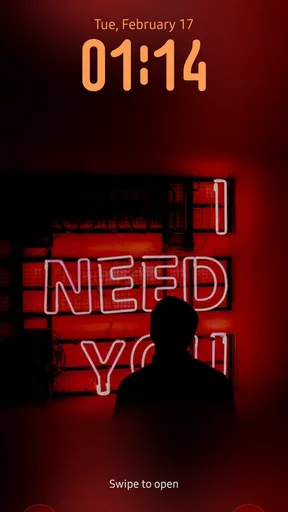
Our Review of MusWall: Music Album Wallpaper
 Analysis by Appyee
Have you ever wished your phone's wallpaper could be more than just a pretty picture? Well, let me introduce you to MusWall: Music Album Wallpaper. It's a nifty app that transforms your love for music into visually stunning wallpapers. I’ve been playing around with it, and let me tell you, it’s pretty awesome.
Getting Started with MusWall
First things first, installing MusWall: Music Album Wallpaper is a breeze. Just head over to your app store, hit download, and you're good to go. Once you open it up, the interface is sleek and intuitive, making it super easy to navigate. You’ll immediately see a plethora of album covers that you can choose from. The collection is extensive, covering everything from classic rock to today’s top hits.
Customization to the Max
One of the coolest things about MusWall is the level of customization it offers. You’re not just picking an album cover; you can tweak it to your liking. Want to add a bit of blur for that artsy look? No problem. Need to adjust the colors to better match your home screen widgets? You got it. The app gives you the tools to make your wallpaper truly your own.
Moreover, you can set your wallpaper to change automatically. So, if you’re indecisive like me, you can have a different album cover every day or even every time you unlock your phone. It keeps things fresh and exciting.
Features That Stand Out
Let’s talk about some standout features. I’m particularly fond of the “live wallpaper” option. It animates the album covers with subtle movements, bringing your screen to life without being too distracting. It’s like having mini music videos playing on your phone.
Another gem is the ability to link your Spotify or Apple Music account. This feature allows MusWall to sync with your playlists, so your wallpaper can reflect your current jams. Pretty neat, right? You’re essentially creating a visual soundtrack of your life.
Why You Should Give It a Try
If you’re a music lover, this app is practically made for you. It’s not just about aesthetics; it’s about expressing your musical taste in a unique way. Plus, it’s a conversation starter. I’ve had friends ask about my wallpaper, and it’s always fun to share how my phone reflects my favorite tunes.
On top of that, the app is regularly updated with new features and album covers, ensuring you never run out of options. The developers seem genuinely engaged with the community, which is always a plus in my book.
Final Thoughts
In a world where personalization is king, MusWall: Music Album Wallpaper hits all the right notes. It’s easy to use, packed with features, and adds a dash of personality to your device. Whether you’re looking to subtly showcase your music taste or want your phone’s interface to be as dynamic as your playlists, this app has got you covered.
So, go ahead, give it a spin. Dive into the world of album covers and let your phone become a canvas for your favorite tunes. Trust me, you won’t regret it.
Verdict
Strengths of MusWall: Music Album Wallpaper
- Stunning HD album covers for wallpapers.
- Easy to navigate and user-friendly interface.
- Regular updates with new album art.
- Supports both portrait and landscape modes.
- Allows customization of wallpaper playlists.
Limitations of MusWall: Music Album Wallpaper
- Limited offline access to wallpapers.
- Some ads may interrupt browsing.
- Requires internet for the latest updates.
- No option for custom album uploads.
- Limited free features without subscription.
Similar Picks in This Category
View All
Microsoft SwiftKey AI Keyboard
SwiftKey4.3

Wallpapers
Google LLC4.1

Zedge™ Wallpapers & Ringtones
Zedge4.7

Yandex Browser with Alice AI
Direct Cursus Computer Systems Trading LLC4.3

Ringtone Maker:create ringtone
Big Bang Inc.4.7

Fonts Keyboard
Fonts Keyboard3.9
Frequently Asked Questions
What is MusWall and how does it work?
MusWall is an innovative app that allows users to transform their device's wallpaper into a dynamic display of music album covers. By syncing with your music library, MusWall automatically updates your wallpaper with the album art of the song currently playing, offering a visually engaging experience for music enthusiasts.
Is MusWall compatible with both Android and iOS devices?
Yes, MusWall is designed to be compatible with both Android and iOS platforms. The app has been optimized to function seamlessly across different devices, ensuring that users can enjoy their favorite album art as wallpaper regardless of their operating system.
Does MusWall affect battery life or device performance?
MusWall is designed to have minimal impact on battery life and device performance. The app efficiently manages resources by updating the wallpaper only when necessary and uses optimized algorithms to ensure smooth performance without draining your device's battery quickly.
Can I customize which album covers appear as my wallpaper?
Absolutely! MusWall offers customization options that allow users to select specific albums or artists they want to feature as wallpaper. You can create playlists or select favorites, giving you control over which album art appears, tailoring the experience to your personal preferences.
Is there a cost associated with downloading or using MusWall?
MusWall offers a free basic version for users to enjoy. However, there are premium features available through in-app purchases, which include additional customization options and an ad-free experience. This allows users to enhance their experience further, depending on their needs and preferences.
